

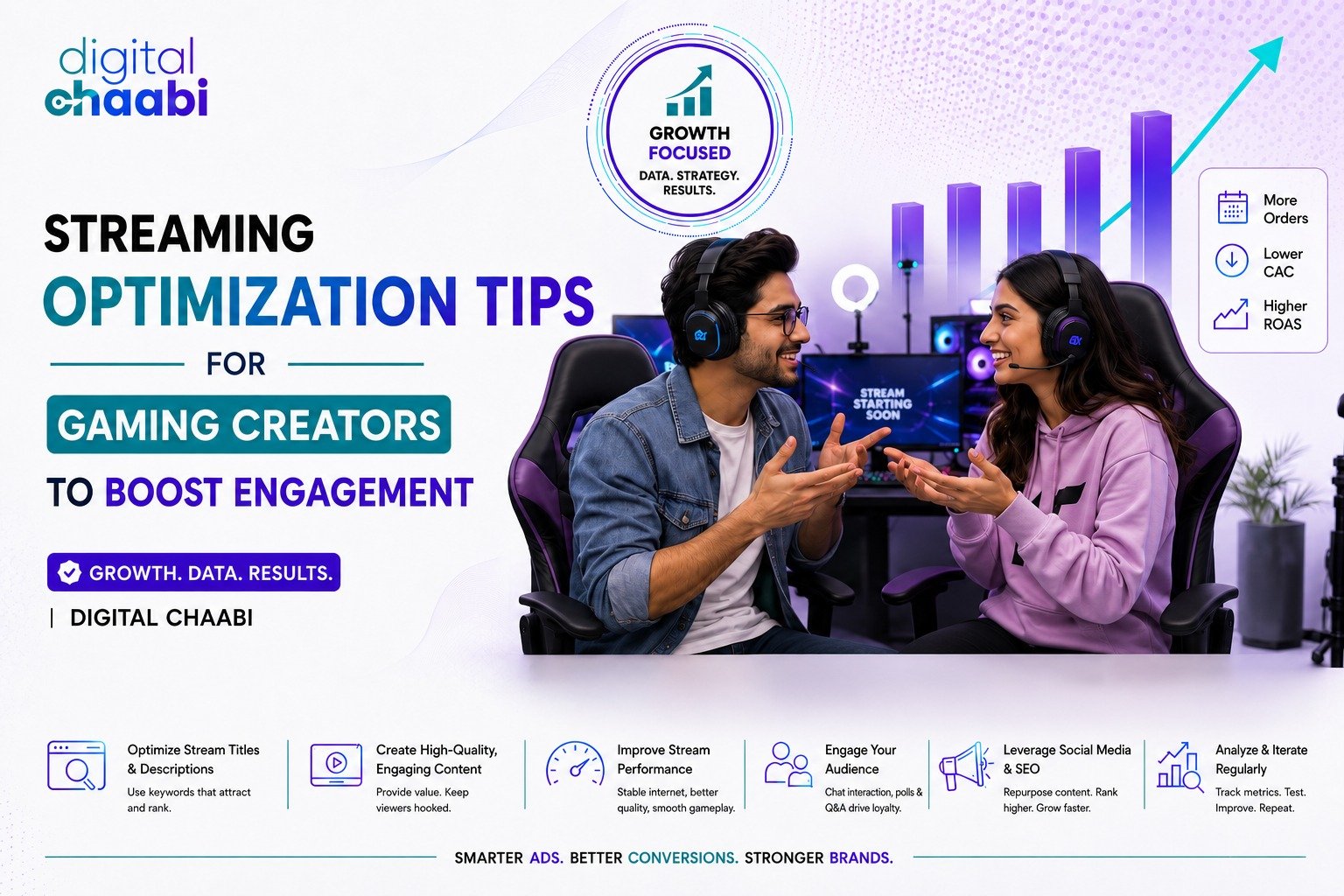
Gaming content is growing very fast, and thousands of creators are streaming daily. But the biggest challenge is not just streaming—it is getting people to stay, watch, and engage. This is where streaming optimization tips for gaming creators become very important.
If your stream is lagging, boring, or not interactive, viewers will leave within seconds. But if your stream is smooth, engaging, and well-planned, viewers will stay longer, chat more, and even follow or subscribe.
In this article, you will learn simple and practical streaming optimization tips for gaming creators in very easy language. Even if you are a beginner, you can understand and apply everything easily.
Why Streaming Optimization Matters for Gaming Creators
Before jumping into tips, let’s understand why optimization is important.
When you optimize your stream:
- Your video quality improves
- Your stream runs smoothly without lag
- Viewers enjoy watching your content
- Engagement increases (likes, chats, shares)
- You grow faster as a gaming creator
Without proper optimization, even good gameplay cannot save your stream.
So let’s now understand the best streaming optimization tips for gaming creators step by step.
1. Improve Your Stream Quality and Stability
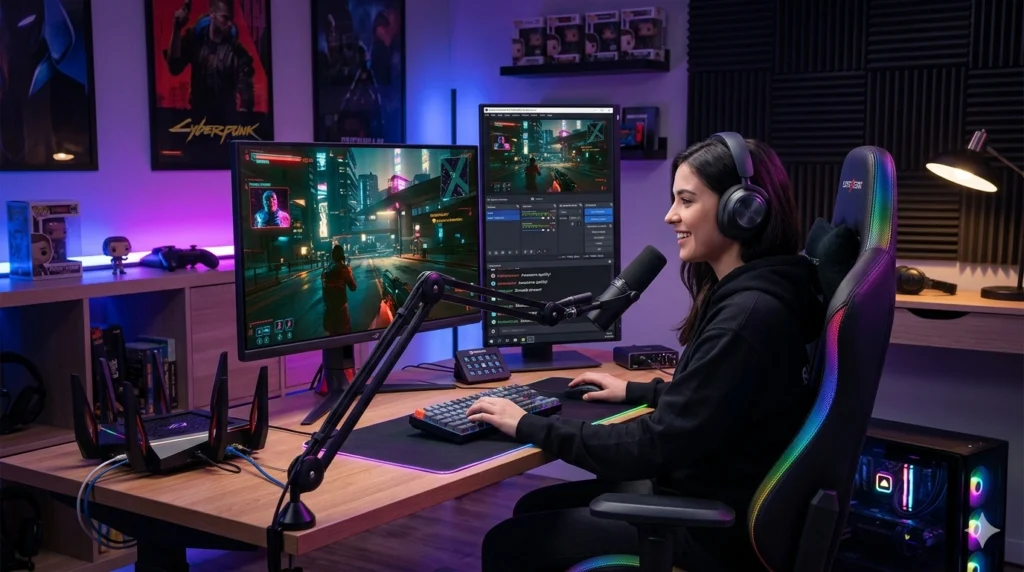
One of the most important streaming optimization tips for gaming creators is having high-quality video and stable performance.
If your stream buffers or lags:
- Viewers leave quickly
- Engagement drops
- Your growth slows down
How to improve stream quality:
- Use good internet (at least 10 Mbps upload speed)
- Choose correct resolution (720p or 1080p)
- Use proper bitrate settings
- Close background apps while streaming
This is part of gaming stream quality improvement, which directly affects viewer experience.
2. Choose the Right Streaming Platform Settings
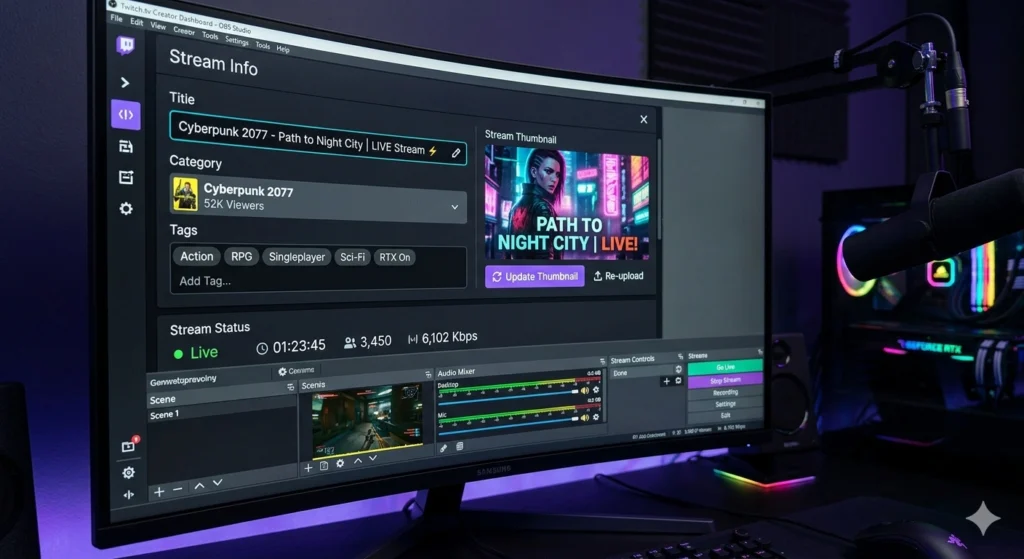
Every platform like YouTube, Twitch, or Facebook Gaming has its own settings.
Optimizing these settings is a key part of streaming optimization tips for gaming creators.
Important settings to focus on:
- Stream title (make it catchy)
- Thumbnail (clear and attractive)
- Tags and description (SEO optimized)
- Category (select correct game)
This helps in live streaming setup for gamers, making your stream more discoverable with help of Marketing Manager Skills and Experience.
3. Maintain a Consistent Streaming Schedule
Consistency is very important in streaming.
If you stream randomly, viewers will not know when to join.
Tips for consistency:
- Stream at the same time daily or weekly
- Inform your audience before going live
- Stick to a fixed schedule
Consistency improves audience engagement for streamers because people start trusting your timing.
4. Focus on Audience Interaction During Streams
Interaction is what makes streaming different from recorded videos.
If you don’t talk or respond, viewers feel ignored.
Ways to interact:
- Read chat messages
- Answer questions
- Ask viewers about their opinions
- Give shoutouts
This is one of the most powerful streaming optimization tips for gaming creators because it builds a connection with your audience.
5. Optimize Your Streaming Setup
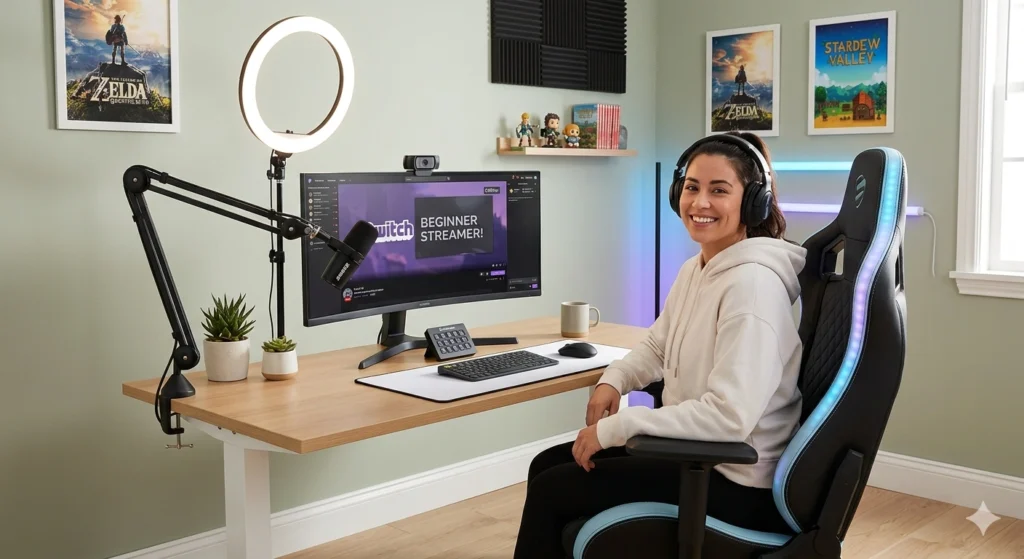
Your setup plays a big role in how professional your stream looks.
Basic setup requirements:
- Good microphone (clear voice)
- Decent webcam (optional but helpful)
- Proper lighting
- Clean background
This improves streaming setup for beginners and makes your content look more attractive.
6. Use Engaging Overlays and Alerts
Visual elements make your stream more interesting.
Add these elements:
- Alerts for followers and donations
- Stream overlays
- On-screen chat display
These improve viewer retention strategies for gaming streams because they keep viewers engaged visually.
7. Play Trending and Popular Games
Game selection matters a lot.
If you play games that no one is searching for, your stream will not grow.
Tips:
- Play trending games
- Mix popular and niche games
- Follow gaming trends
This helps in gaming content growth tips, making your stream more discoverable.
8. Improve Your Commentary and Personality
People don’t just watch for gameplay—they watch for YOU.
How to improve:
- Talk continuously (don’t stay silent)
- Be natural and friendly
- Add humor
- Share your thoughts
Good commentary is a core part of streaming optimization tips for gaming creators.
9. Optimize Stream Titles and SEO
SEO is not just for blogs—it is also important for streaming.
SEO tips:
- Use keywords in titles
- Add relevant tags
- Write proper descriptions
For example, using streaming optimization tips for gaming creators in your title can help your stream rank better.
This is also connected to gaming content growth tips, which helps in long-term success.
10. Reduce Stream Lag and Technical Issues
Technical issues can destroy your stream experience.
Fix common issues:
- Lower bitrate if lagging
- Use wired internet connection
- Update drivers and software
This improves gaming stream quality improvement, which is essential for viewer satisfaction.
11. Promote Your Stream on Social Media
Promotion is necessary for growth.
Where to promote:
- YouTube Shorts
- Discord communities
- WhatsApp groups
This increases audience engagement for streamers and brings new viewers and Generate Leads in Digital Marketing.
12. Analyze Your Stream Performance
You cannot grow if you don’t track your performance.
Check these metrics:
- Watch time
- Viewer retention
- Chat activity
- Peak viewers
This helps improve viewer retention strategies for gaming streams.
13. Collaborate with Other Streamers
Collaboration helps you grow faster.
Benefits:
- Reach new audiences
- Build community
- Increase engagement
This is one of the underrated streaming optimization tips for gaming creators.
14. Keep Your Stream Simple and Clean
Don’t overload your stream with too many effects.
Keep it simple:
- Clean layout
- Clear audio
- Smooth gameplay
This improves streaming setup for beginners and keeps viewers focused.
15. Be Patient and Consistent
Growth takes time.
Even if you follow all streaming optimization tips for gaming creators, results may not come instantly.
Remember:
- Stay consistent
- Keep improving
- Don’t give up
Conclusion
Streaming success is not just about playing games. It is about creating a complete experience for your viewers. By following these streaming optimization tips for gaming creators, you can improve your stream quality, increase engagement, and grow faster and Boost Your Brand with Our Digital Marketing Service in Hisar.
Focus on consistency, interaction, and quality. Always try to understand your audience and improve step by step. Small improvements can make a big difference over time.
Remember, every successful streamer started as a beginner. With the right strategy and patience, you can also build a strong gaming community and become a successful creator.
FAQs
1. What are the most important streaming optimization tips for gaming creators?
The most important tips include improving stream quality, interacting with viewers, maintaining consistency, and optimizing titles and SEO. These help in better engagement and growth.
2. How can beginners improve their streaming setup easily?
Beginners should focus on a good internet connection, clear microphone, and basic lighting. A simple setup works well if optimized properly.
3. Why is audience engagement important in gaming streams?
Engagement keeps viewers connected and interested. When streamers interact, viewers feel valued and are more likely to stay and return.
4. How often should gaming creators stream for better growth?
Streaming 3–5 times a week with a fixed schedule is ideal. Consistency helps build a loyal audience over time.
5. Can SEO really help in growing gaming streams?
Yes, SEO helps your stream appear in search results. Using proper titles, tags, and keywords improves visibility and attracts more viewers.